历经了不知多少艰难险阻,经过了不知多少磨难!
终于S550可以拿出来航拍一组了。但是还是没有调试好!看人家的Phantom3飞得多嗨,我的S550还在磨难中!
忍不住拿出去航拍了一组,结果还因为WIFI频段和遥控频段冲突导致失控!悲了个催的啊!
不说了,上几张航拍图自我安慰一下….


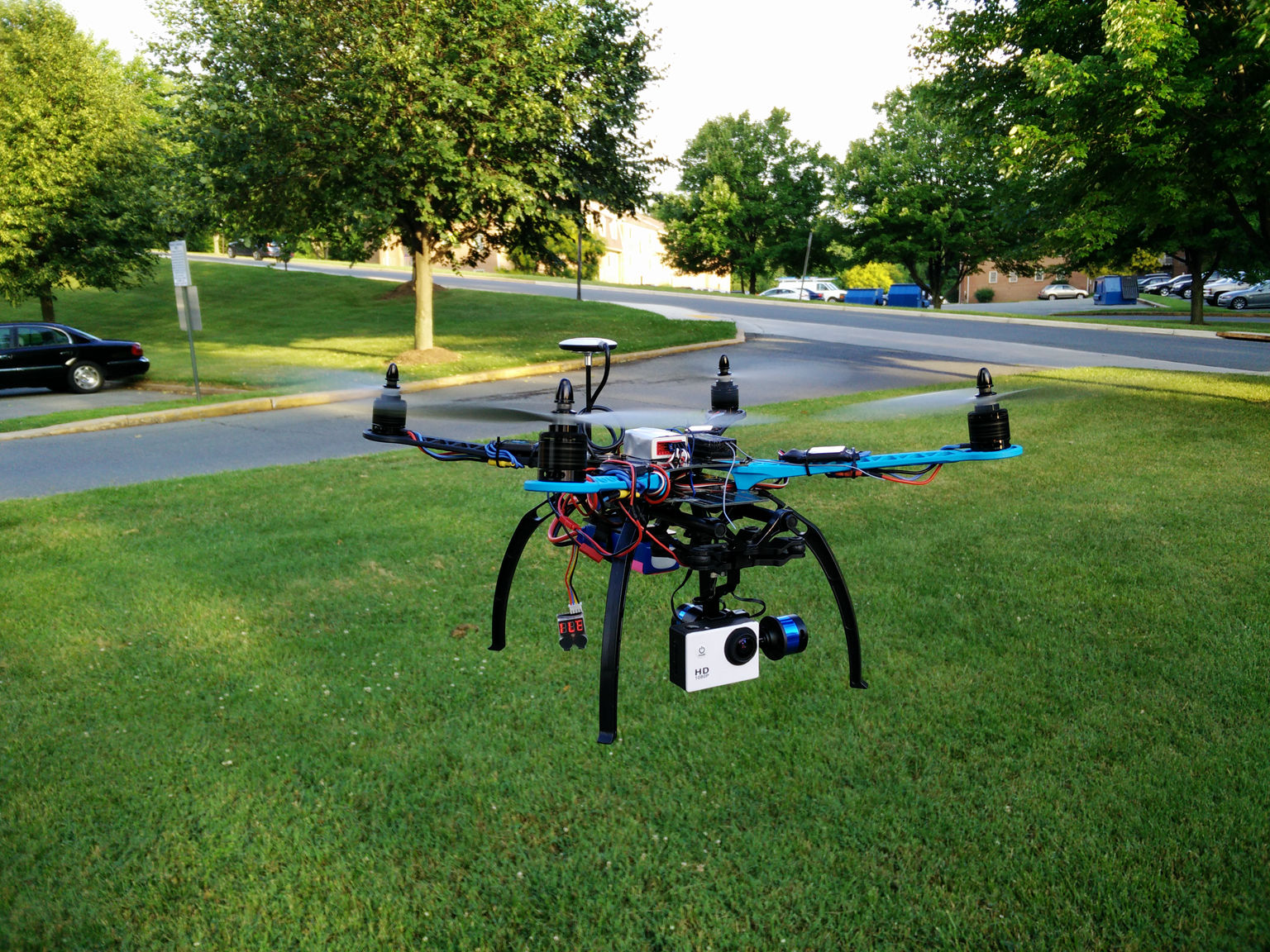
历经了不知多少艰难险阻,经过了不知多少磨难!
终于S550可以拿出来航拍一组了。但是还是没有调试好!看人家的Phantom3飞得多嗨,我的S550还在磨难中!
忍不住拿出去航拍了一组,结果还因为WIFI频段和遥控频段冲突导致失控!悲了个催的啊!
不说了,上几张航拍图自我安慰一下….
春天到了,不止万物发芽。动物们也都开始繁衍下一代了~





现在网上下载软件风险越来越大了,时不时你的浏览器就被劫持了,时不时弹出各种广告窗口。
咋办?试试下面几个软件吧:
如果还是解决不了…. 你就只有重装了 😀
偶然发现一份DDNS服务列表,分享一下…
Enjoy~
Update: 2019/02/03
Version 1.0
Author: Srijan Kishore
This guide explains how to configure NFS server in CentOS 7.0 Network File System (NFS) is a popular distributed filesystem protocol that enables users to mount remote directories on their server. The system lets you leverage storage space in a different location and write onto the same space from multiple servers in an effortless manner. It, thus, works fairly well for directories that users need to access frequently. This tutorial explains the process of mounting NFS share on an CentOS 7.0 server in an simple and easy-to-follow steps.
I have fresh installed CentOS 7.0 server, on which I am going to install the NFS server. My CentOS server have hostname server1.example.com and IP as 192.168.0.100
You can have your CentOS server installed from the tutorial. Alternatively we need a CentOS 7.0 client machine either server/desktop. I my case I will use an CentOS 7.0 desktop with hostname client1.example.com and IP as 192.168.0.101 Again I will be running all the commands with root credentials.继续阅读
硬盘用着用着就满了,都不知道是被什么文件占用了。大家有这种感觉么?
明明几个T的硬盘,装了没多少东西怎么就满了?
下面介绍几个可以帮你找出硬盘空间为什么被吃掉的软件:
1. WizTree
2. Windirstat
拿走不谢~ 😀